

You are in the midst of an all-too-familiar scenario: you have waited and waited for a sale on a Vineyard Vines sweater, and just when you finally give in and pay the full price, it drops 40% the next day.
Luckily, Vineyard Vines may refund you the price difference, but only if you meet their strict conditions.
In this guide, we’ll break down the nitty-gritty details of the Vineyard Vines price adjustment policy. We’ll explain which purchases qualify and how to request a refund. We’ll also introduce you to a money-saving app, Settlemate, that automatically claims eligible price adjustments on your behalf.
What is a price adjustment?
A price adjustment happens when a store refunds you the difference after the price of an item you’ve bought drops shortly after purchase. It is a handy strategy that allows you to bypass the often more complex and time-consuming process of returning the item and repurchasing it at a lower price.
However convenient for shoppers, price adjustments benefit retailers as well. By allowing their customers to reclaim a price drop, they build loyalty and strengthen their brand image.
The price adjustment request process typically involves the following steps:
- You spot the discounted price.
- You reach out to customer service through email, phone, or online form.
- Customer support reps ask you to provide proof of purchase, item number, the price you paid, and the discounted price.
- The retailer processes your request.
- The refund for the price difference is issued to your original payment method.
Most retailers set similar rules for requesting price adjustments, including:
Note: Price adjustments are available for both online and in-store purchases, but you typically need to request the refund the same way you bought the item. If you made the purchase online, contact customer service; if you bought the item in a store, make an in-person request.
What is Vineyard Vines' price adjustment policy?
Vineyard Vines offers price adjustments, but the policy is quite restrictive. Here’s what it says:
- You can make a price adjustment request only once.
- The request must be made within seven days of the order’s shipment date (or 10 days for international orders).
- An item doesn’t qualify for a price adjustment if you bought it with a promo code, discount, or any other offer (like Flash Sales, Friends & Family, or Whale of a Sale).
How to request a price adjustment at Vineyard Vines?
If your order meets the criteria, the next step is to make a price adjustment request. You can do so by contacting customer support in one of the following ways:
- Calling customer care reps at 800-892-4982
- Sending an email to tieguys@vineyardvines.com
Make sure to provide your order number, which you can find in the order confirmation email or on the packing slip. To speed up the processing of your request, you can also include these details:
- The name and SKU of the item you want adjusted
- The price you paid
- The new, lower price (you can take a screenshot as proof of the price drop)
If you bought the item in a store, bring the receipt and ask the store associate for a price adjustment.
Why are price adjustments more complicated than they seem?
Most price adjustment policies seem simple: a quick call or a short email to customer service, and you’re done. However, many shoppers miss out on the money they’re entitled to because completing the process manually comes with a few obstacles:
- You have to monitor prices yourself: To avoid missing your chance, you need to keep track of what you bought and where, across different stores and timelines. You also have to constantly check whether prices have dropped.
- Each retailer has different rules and deadlines: If you are a regular shopper, you need to remember each store’s policy, deadlines, exclusions, and other rules, which requires the mental energy of a full-time job.
- Confusing exclusions: Deciphering eligibility criteria at certain retailers can be extremely challenging and time-consuming, and the customer service reps can often be as confused as you are.
- Customer support can be slow and frustrating: Delayed email responses and phone hold times can drag out the process and eat into the short eligibility window.
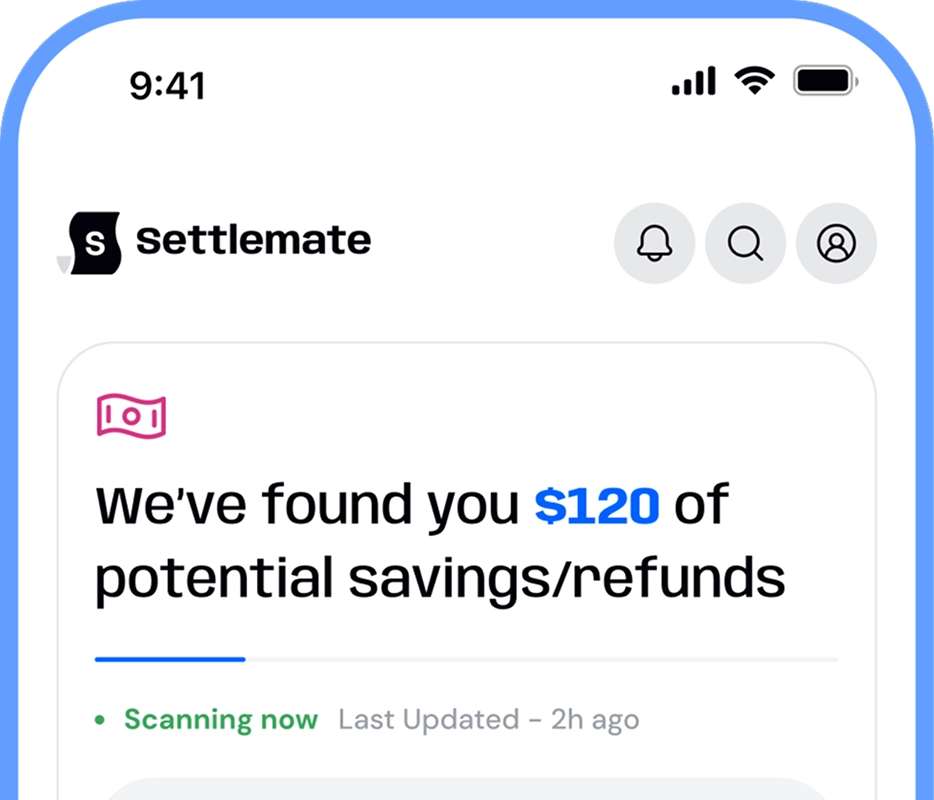
Luckily, you can avoid the frustration and stop leaving money on the table by forgoing the manual process and opting for a price adjustment app instead. Settlemate can watch prices for you, catch eligible price drops across retailers, and automatically submit requests on your behalf.
How Settlemate puts price adjustment refunds on autopilot
Every store has different rules for price adjustments. But you don’t need to memorize every policy; Settlemate Retail Savings Autopilot does that for you, and even takes action on your behalf.
The Settlemate app will:
- Automatically find your digital receipts in your inbox.
- Continuously track for price drops within eligible windows.
- Auto-file requests with the right documentation.
- Notify you when your money is on its way back to you.
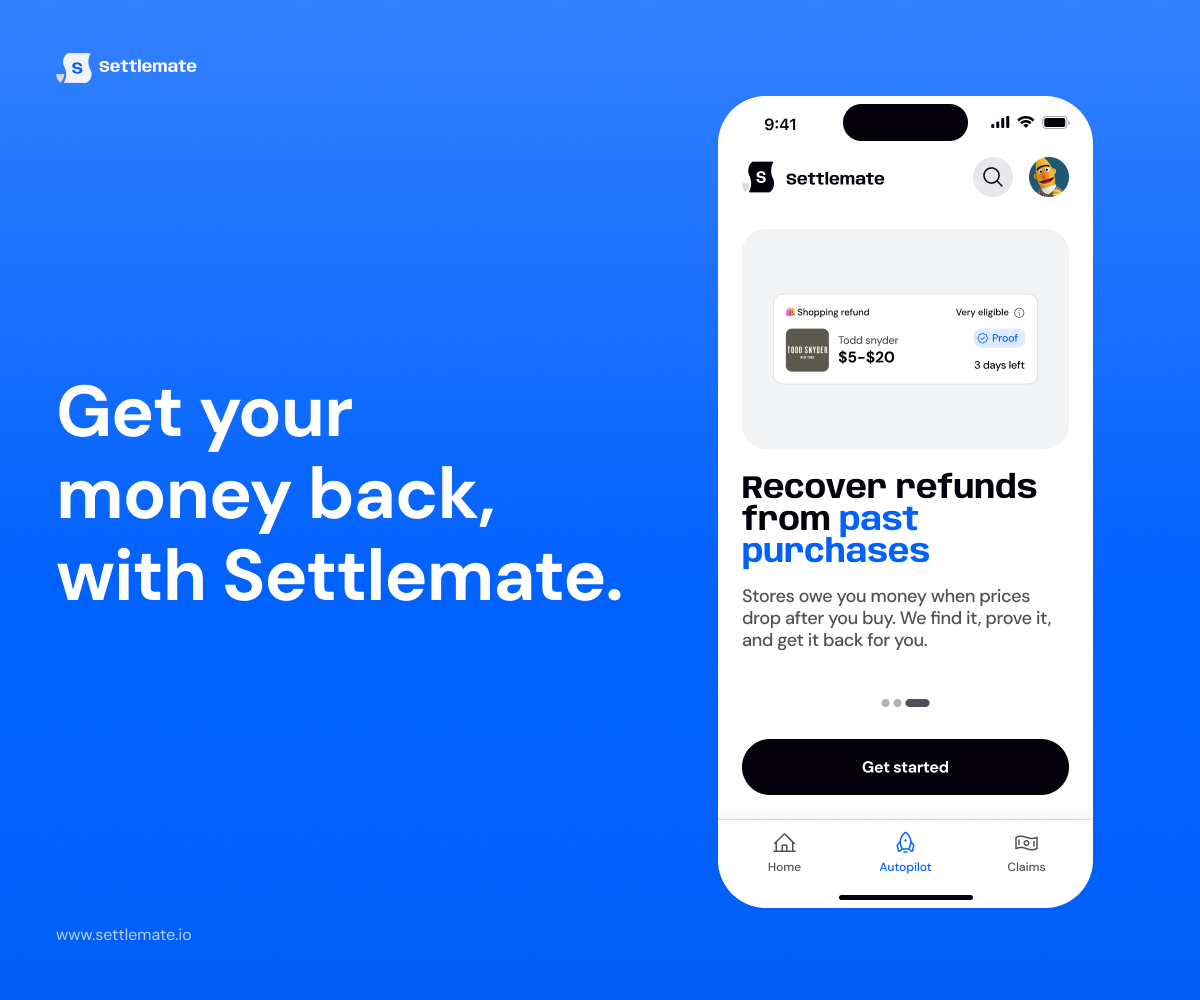
Automate price adjustments end-to-end with Settlemate Retail Savings Autopilot. Download the app from the App Store or Google Play today.
Not sure if the app’s right for you? If you haven’t received verified value to cover your membership fees after a year, you’ll receive complimentary membership extensions until you do. Check out our Value Guarantee to learn more.
Frequently asked questions
What is the return policy at Vineyard Vines?
You can get a full refund to the original form of payment if you return new, unused items with tags attached within 60 days for full-priced items or 30 days for sale items. If the time window passes, you can receive a full merchandise credit. You can’t return final sale items and personalized products.
Does Vineyard Vines price-match competitors?
No, Vineyard Vines doesn’t price match competitors. They only offer internal price adjustments for price drops on their website.
Can you return or exchange a gift card at Vineyard Vines?
You can’t return or exchange a Vineyard Vines gift card.
Which other retailers have price adjustment policies?
To check where else you may get price adjustment refunds, take a look at our guides: