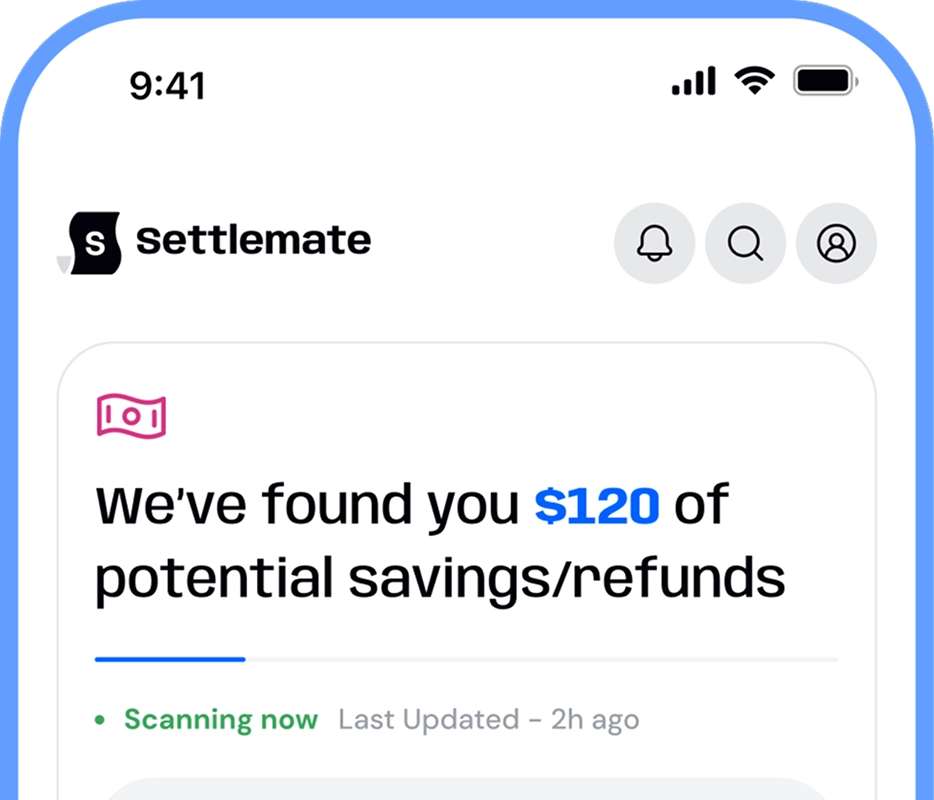


The same frustrating scenario has played out more times than you can count: you buy something you need, and a few days later, the price drops. You tell yourself you’ll contact customer support to request a refund for the price difference, but you don’t. The receipt is buried in your inbox, the store’s policy is confusing, and the refund window quietly closes.
That’s how most price adjustment refunds get left on the table. Not because stores refuse them, but because tracking prices and submitting claims takes time and effort most people can’t spare.
A solid price adjustment app can fix that. Some tools monitor prices and alert you when they drop. Others go a step further and help automate the entire price adjustment process from start to finish.
In this guide, we’ll present some of the best price adjustment apps available today. We’ll show you what they can do and which ones help you get your money back with the least manual work.
What is a price adjustment app?
Most major retailers, such as Target, Home Depot, IKEA, and Gap, have some form of price adjustment policy (sometimes called price drop protection), allowing partial refunds within 7–30 days after purchase.
There’s a catch, though. You are typically responsible for spotting the price drop and requesting the refund yourself. An app for price adjustment helps take that burden off your plate. It makes sure you’re not leaving money on the table by handling tasks like:
- Tracking your purchases
- Monitoring prices after you buy
- Alerting you when a price drop qualifies for a refund
- Organizing proof of purchase (receipts or order confirmations)
- Assisting with the refund request process
What price adjustment apps generally can’t do is:
- Force a retailer to approve a refund
- Override store-specific price adjustment policy rules
- Create eligibility where there is none
What to look for in a price drop refund app?
To evaluate the leading price adjustment apps on the market, we focused on the following criteria:
- Level of automation: This is the biggest differentiator. Some apps only send alerts when prices drop, while others can also submit price adjustment requests on your behalf.
- Price monitoring accuracy: Reliable tracking across major retailers is essential. Missed price drops mean missed refunds.
- Proof and receipt management: The best apps automatically capture receipts and order confirmations, so you don’t have to dig through emails or screenshots.
- Ease of use: If an app’s setup or ongoing maintenance feels like a chore, most people won’t stick with it long enough to see meaningful savings.
- Retailer coverage: Strong apps support major online retailers with clear price adjustment policies and digital request workflows.
- Time saved vs. money recovered: An app isn’t truly helpful if you still have to manually check policies, draft messages, and follow up with support.
Apps that score highest across these criteria don’t just help you spot savings, they help you actually claim them by removing the repetitive steps most shoppers never get around to finishing.
Top 5 price adjustment apps
The apps below made our list because they fit naturally into real shopping behavior and help you recover money after purchase:
- Settlemate’s Retail Savings Autopilot
- Pricerazzi
- CostPal Costco price adjustment app
- FlightDrop
- ShopSavvy
1. Settlemate’s Retail Savings Autopilot
Settlemate’s Retail Savings Autopilot is an all-in-one tool that automates the entire price adjustment process, from tracking purchases to submitting refund requests. It’s ideal for frequent online shoppers and anyone who wants to claim savings without the grunt work.
The feature is built specifically for post-purchase refunds, and it eliminates the need to hunt down receipts, decode policy fine print, or deal with customer support.
Once you connect your email, Settlemate will:
- Automatically find and log your purchases using digital receipts
- Monitor retailer prices during the eligible adjustment window
- Check each price drop against the store’s price adjustment policy
- Generate and submit refund requests on your behalf
- Notify you when the refund is credited back to your original payment method
Because it runs continuously in the background, Settlemate can deliver ongoing savings throughout the year, especially with online retailers that support digital price adjustment requests (where automation can fully replace manual effort).
However, the Retail Savings Autopilot can also work for in-person purchases if you request a digital copy of your receipt and pay with a card.
Let’s take a look at Settlemate’s most notable advantages and potential limitations:
2. Pricerazzi
Pricerazzi tracks your purchases by scanning emailed receipts (or photos you upload) and alerts you when it detects a lower price. It’s a good fit for shoppers who want price drop notifications across multiple product categories and retailers — and don’t mind handling refund requests themselves.
After you register your email or upload receipts through the app for in-store purchases, it monitors prices across thousands of online and brick-and-mortar retailers. When it spots a better deal, it notifies you so you can contact the customer support and request a price adjustment.
The app supports a wide range of retail categories, from electronics and apparel to furniture and tools. Some notable retailers Pricerazzi monitors include:
- Macy’s
- Athleta
- Apple
- American Eagle
- Bloomingdale’s
- DICK’s Sporting Goods
- Neiman Marcus
- Hollister
- Kohl's
- Lands’ End
- REI
- Saks
- World Market
Pricerazzi has also recently expanded into flight price matching, though the feature is currently limited to flights booked through Expedia.
Here’s a quick overview of Pricerazzi’s key advantages and limitations:
3. CostPal Costco price adjustment app
CostPal is a price adjustment app built exclusively for Costco shoppers. It helps you track recent purchases and alerts you when an item's price drops so you can request a refund.
To get started, you’ll need to upload your Costco receipts. From there, CostPal monitors prices and notifies you when a purchase becomes eligible for a price adjustment under Costco’s policy. The app also shows a savings history and recent refund activity from other shoppers, which adds a nice layer of transparency and provides some reassurance that refunds are actually being claimed.
While CostPal handles price monitoring, eligibility checking, and policy review for you, it falls short of automating the refund request itself. You still have to follow Costco’s process to claim the adjustment.
Below is a quick breakdown of CostPal’s most notable strengths and weaknesses:
4. FlightDrop
FlightDrop is a niche price drop refund app that focuses exclusively on airfare. It tracks your flight after booking and helps you secure refunds or airline credits when the price falls.
The app essentially applies the price adjustment concept to plane tickets, where refunds and credits are possible but difficult to claim manually. After you forward your flight confirmation email, FlightDrop monitors fares in the background and jumps in as soon as it detects a price drop.
When possible, FlightDrop handles the claims process from start to finish. Refundable fares (or certain recent bookings) may be refunded back to your original payment method, while non-refundable fares typically result in airline credits for future travel.
FlightDrop works with major U.S. airlines and generally excludes certain fare types, such as:
- Basic Economy
- Saver fares
- Points or mileage bookings
Below are the app’s pros and cons at a glance:
5. ShopSavvy
Although not a dedicated price adjustment app, ShopSavvy is a powerful price intelligence tool that can support price adjustment claims.
If you add items you’ve already bought to ShopSavvy’s watchlist, you can:
- Get price drop alerts when the item becomes cheaper
- Check whether the item is currently in stock (often a requirement for price adjustments)
- Check availability both online and in nearby physical stores
- Compare prices across multiple stores, which can be useful if a retailer offers competitor price matching
These features make ShopSavvy a solid companion app for manual price adjustment requests. When an alert comes in, you can check if the retailer’s policy applies and decide whether it’s worth submitting a claim.
Below is a quick summary of where this app shines and where it falls short:
Put price adjustment on autopilot with Settlemate
If there’s money with your name on it, Settlemate’s job is to make sure you don’t miss it. Price adjustment refunds are one of the most common examples, but the app can also help you:
- Locate eligible class action settlements and file claims for them
- Recover hidden fees, overcharges, and missed refunds
- Avoid missing payouts due to deadlines, paperwork, or lack of awareness
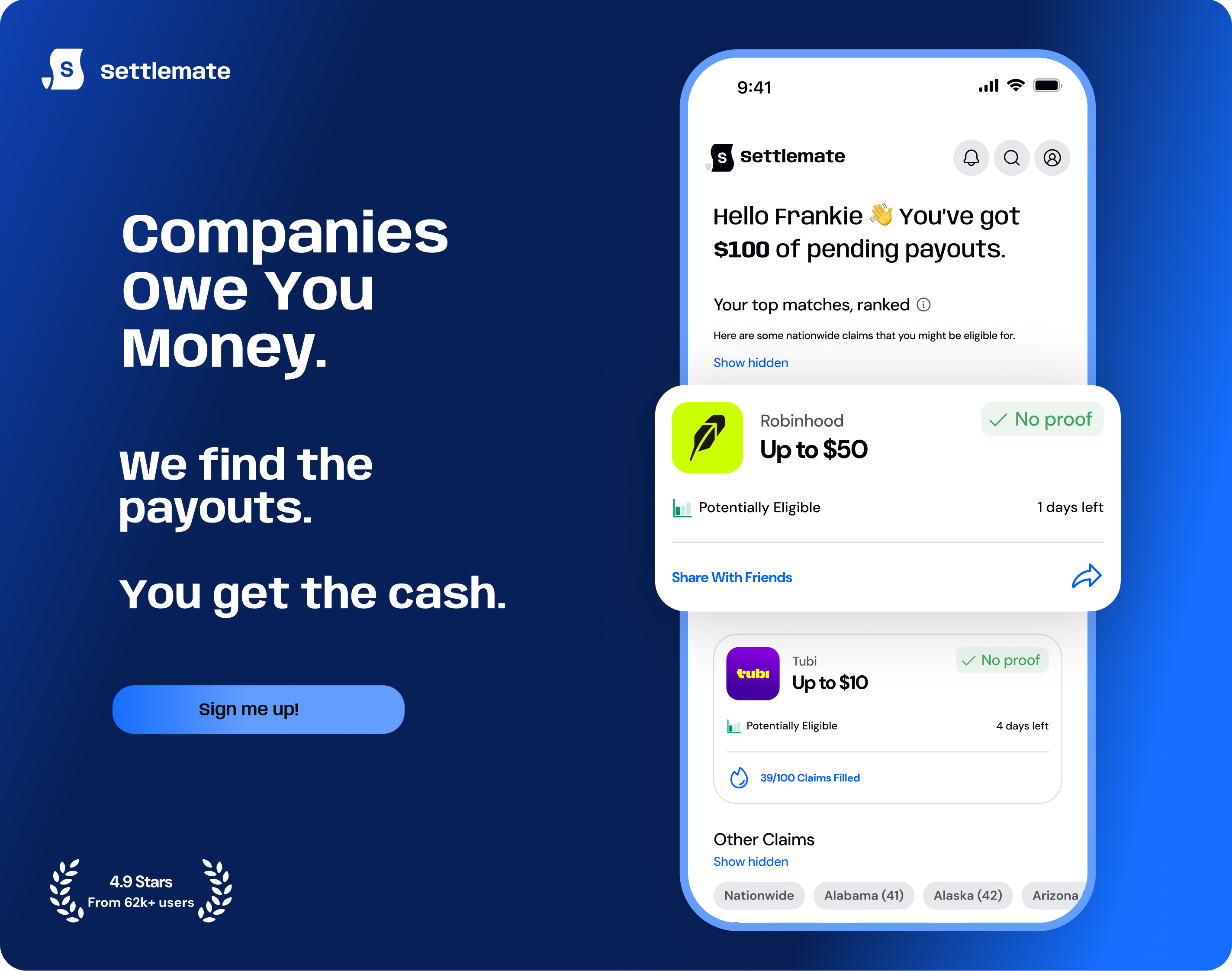
Get started with Settlemate today. Download the app from the App Store or Google Play and let Settlemate Retail Savings Autopilot handle all your price adjustment refunds for you.
At Settlemate, we stand behind the value of your membership. If you haven’t received verified value to cover your membership fees after a year, you’ll receive complimentary membership extensions until you do. Check out our Value Guarantee to learn more.
How major retailers handle price adjustments
Below, you can find the price adjustment policies of major retailers so you can see where refunds are possible and what conditions apply: