


You finally hit Buy now, the order ships, the box arrives, and then, almost on cue, the price drops. Maybe it’s a flash sale, a quiet markdown, or a limited-time promo. Either way, you missed it (again).
Prices change constantly, and unless you’re refreshing product pages all day, it’s easy to miss a deal. That’s exactly why price drop trackers exist. They watch for price drops and notify you when something gets cheaper, so you can time purchases better, compare options, or decide when an item is finally worth buying.
In this guide, we’ll show you how to get price drop alerts using methods like apps, browser extensions, and built-in retailer website tools. You’ll also see why alerts aren’t always enough and how Settlemate serves as your after-purchase safety net and automates the price adjustment process for you.
What is a price drop alert?
Online prices are rarely stable. An item can be full price in the morning and discounted by evening because retailers adjust prices based on:
- Demand
- Competition
- Inventory levels
- Short-term promotions
Luckily, price drop alerts notify you when prices go down, so you can decide whether to buy or, if you’ve already purchased, check whether you’re eligible for a price adjustment refund.
These alerts come in simple formats, such as:
- Emails
- Push notifications from an app
- Browser alerts
- Retailer wishlist alerts
How to get notified when the price drops
There’s no single best way to track price drops. The right method depends on where you shop and the amount of effort you’re willing to put in. Some options are built directly into retailer websites and apps, while others rely on third-party tools, browser extensions, and DIY setups.
You can use just one or combine a few methods to increase your chances of catching a price drop while it still matters.
Here’s what you can do:
- Use a price drop alert extension
- Set up Google price tracking
- Turn on wishlist alerts
- Keep tabs on your wishlist manually
1. Best price drop alert apps and extensions
Price drop alert extensions live directly in your browser and monitor product pages for you. For example, once you install a price drop alert Chrome extension, it adds a small button or icon to product pages, letting you track an item’s price with a single click. When the price changes, you get a notification.
A price drop extension is a popular choice because it’s fast to set up and fits neatly into your normal shopping routine. The trade-off is that features, store coverage, and alert reliability can vary from one plug-in to the next.
Here’s a quick overview of some popular free extensions:
2. Google price tracking
Google offers a built-in way to track prices directly from search results. If you’re signed in to your Google account, you can turn on the Track price feature to follow specific products or even entire product categories, and get notified when prices drop.
Here’s how it works:
- Search for a product or category
- Open the product card in Google Shopping results
- Tap Track price
- Press OK to confirm
If the item comes in different versions, such as different sizes, colors, or other features, you can choose exactly which variation you want to track. You can also set a target price, so you only get an alert when the price dips below your set threshold. When that happens, Google notifies you via a push notification in the Google app and an email.
Google’s price tracking feature is currently available in select countries, including:
- The U.S.
- Canada
- Australia
- Japan
- India
3. Wishlist and saved items price drop alerts
When you add a product to a wishlist, favorites list, or a “save for later” section of a retailer’s app or website, the retailer may track price changes in the background and let you know when there’s a deal.
Amazon is one of the few big retailers that sends price drop notifications. Once you add an item to an Amazon wishlist, you’ll need to enable deal alerts in your account settings. Once that’s turned on, Amazon can send push notifications in the app when an item from your list goes on sale or drops in price.
For stores that don’t offer built-in alerts, third-party wishlist apps can fill the gap. The two most popular options are:
- Honey Droplist: Honey is best known as a coupon tool, but it also has a price tracking feature called Droplist. You save items you’re interested in to your Droplist, and Honey monitors their prices across supported retailers. When the price drops, you get a notification. The feature is compatible with many major online stores, including Amazon, Macy’s, Target, and Walmart.
- Sortd: Sortd is a relatively new app, which many Redditors hope will replace a recently shut-down favorite, Carted. You can browse and save items within the Sortd app, on retailer websites, or through apps like Instagram and TikTok. With a single tap, you can add items to your wishlist, and Sortd starts monitoring their prices automatically. It also lets you organize your items into categories and can surface discount codes. Sortd supports a range of fashion and lifestyle retailers, including Amazon, Sephora, Shein, Kmart, Mecca, and more.
4. Monitoring price drops manually
The most basic option is to track prices yourself. It’s not exactly elegant, as plenty of Redditors who missed out on the now-defunct Carted app can attest:
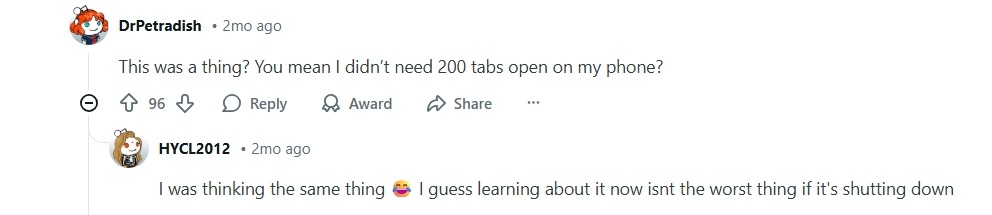
Still, tracking prices manually can work if you’re only watching a handful of items. This DIY approach usually looks like this:
- Create a basic spreadsheet with the items you want to buy (or have already bought), including the retailer, URL, price, and purchase date (if relevant).
- Set calendar reminders to recheck the prices: weekly, before the return window closes, or during predictable sale periods.
- Write down the retailer’s price adjustment window if you’re tracking price drops specifically to request a refund.
- Revisit the product page and compare the current price to the past one (or the one you paid).
This method gives you full control and works with virtually any retailer or platform. The downside is obvious: it’s time-consuming and only as reliable as your reminders. If you miss a check or spot a price drop too late, the item might be sold out, or the refund window may already be closed.
What to do after you get price drop alerts
If you haven’t bought the item yet, the next step is fairly obvious: decide whether the new price is good enough and make a purchase. Easy win.
It gets trickier if the price drops after you’ve purchased an item, and you’re trying to figure out if you can get some money back through a price adjustment. That’s when the manual process usually kicks in:
- Check the retailer’s price drop protection policy: Does the retailer even offer price adjustments? (Some, like Ulta, don’t.) How long is the eligibility window? What counts as a valid price drop? The rules can get surprisingly picky if you’re not in the mood to decipher fine print.
- Confirm you’re within the time window: Many retailers only allow price adjustments for a short period, often one or two weeks from the date of purchase.
- Collect proof: Find the receipt or order confirmation and live link (or screenshot) showing the current lower price. If you’re a frequent shopper, tracking down the right documents can be easier said than done.
- Contact customer support: This may involve a live chat, a phone call, or a web form. Some retailers still make you walk through the request step by step, even when the price drop is obvious. The customer service back-and-forth can wear out even the most patient shoppers.
- Follow up and wait: Approval isn’t guaranteed. Requests can be denied due to technicalities or delayed to the point where the window closes. In a worst-case scenario, you lose the refund and the time you spent chasing it.
For many shoppers, the potential savings from price adjustment refunds aren’t worth the hassle, and they just let it go. But if it happens often enough, those “small” missed refunds can quickly add up.
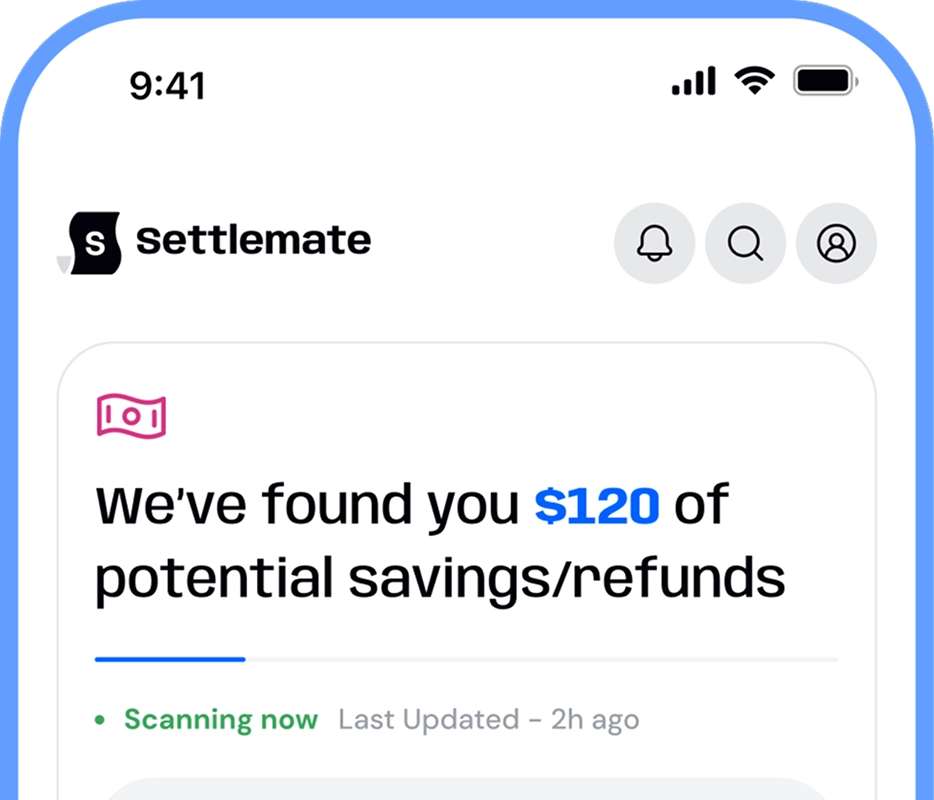
Settlemate takes a different approach. Instead of relying on you to track prices and set alerts for every item, this price adjustment app starts with what you’ve already bought.
Settlemate scans your receipts and purchase confirmations, identifies eligible purchases, and checks whether the price dropped within the retailer’s price adjustment window. It then handles the entire refund process on your behalf.
How Settlemate gets your price adjustment automatically
Prices drop after you buy. Most people never notice, or they miss the refund window while figuring out the process or hunting for receipts.
Settlemate Retail Savings Autopilot turns price adjustments into background recovery: it parses purchase confirmations in your inbox, tracks price changes for the products you bought, and files the request for you so you get the difference back without the hassle.
How it works:
- You link your email for automatic receipt detection.
- Settlemate Retail Savings Autopilot logs purchases and monitors for price drops within each store’s price adjustment window.
- We prepare and submit the refund request with your proof of purchase on your behalf as soon as a drop hits.
- If approved, the credit will be refunded to your original payment method, and you’ll get a notification about the money you just got back.
Get started with Settlemate today. Download the app from the App Store or Google Play and let Settlemate Retail Savings Autopilot handle all your price adjustment refunds for you.
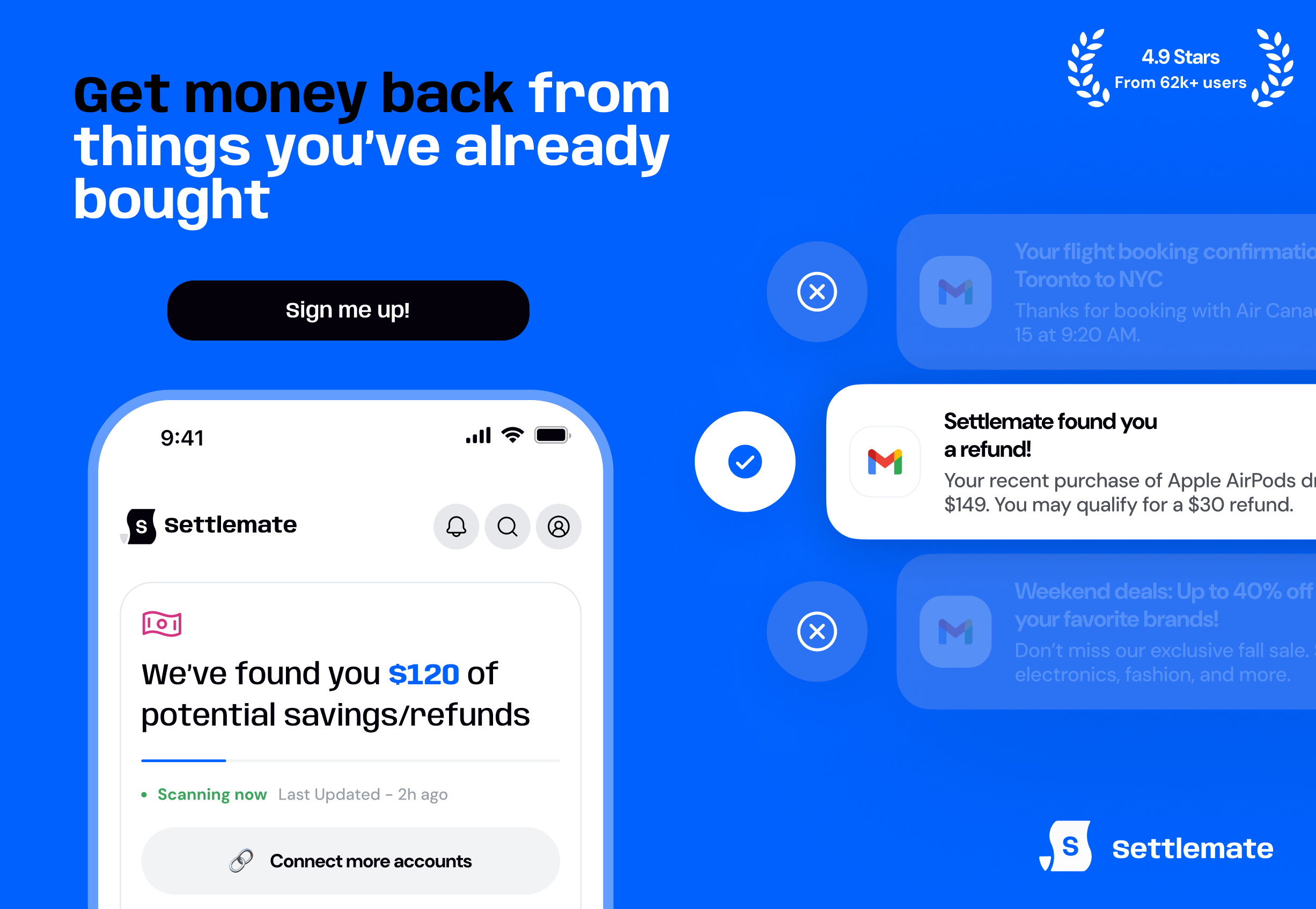
Settlemate users are backed by a Value Guarantee. If you don’t recover your membership fee through verified value in the first 12 months, we’ll extend your membership for another year at no additional cost. We’ll continue extending your access until the cumulative value you receive matches your original subscription fee, provided you continue to meet the eligibility requirements.
What are the price adjustment policies of major retailers?
Explore price adjustment policies of major retailers to see where you can still get money back after a purchase: