Nobody enjoys spending 40 minutes on hold to dispute a charge, cancel a subscription, or negotiate a better internet plan. DoNotPay claims it can handle these frustrating tasks for you using AI.
Tell DoNotPay what you need, and it offers tools to help you challenge bills and fees, request refunds, resolve everyday consumer issues, and more. But how does it actually work, what does it cost, and should you trust it with your credit card information?
We examine DoNotPay reviews, features, pricing, and relevant policies to help you decide if the app is legit and worth using. We also show you how Settlemate stacks up with its broader and more automated approach to savings.
What is DoNotPay?
DoNotPay is an AI-powered consumer self-help platform that helps you deal with companies, subscriptions, bills, bureaucracy, and other everyday hassles. However, it isn’t a law firm, doesn’t provide legal advice, and isn’t a substitute for a licensed lawyer.
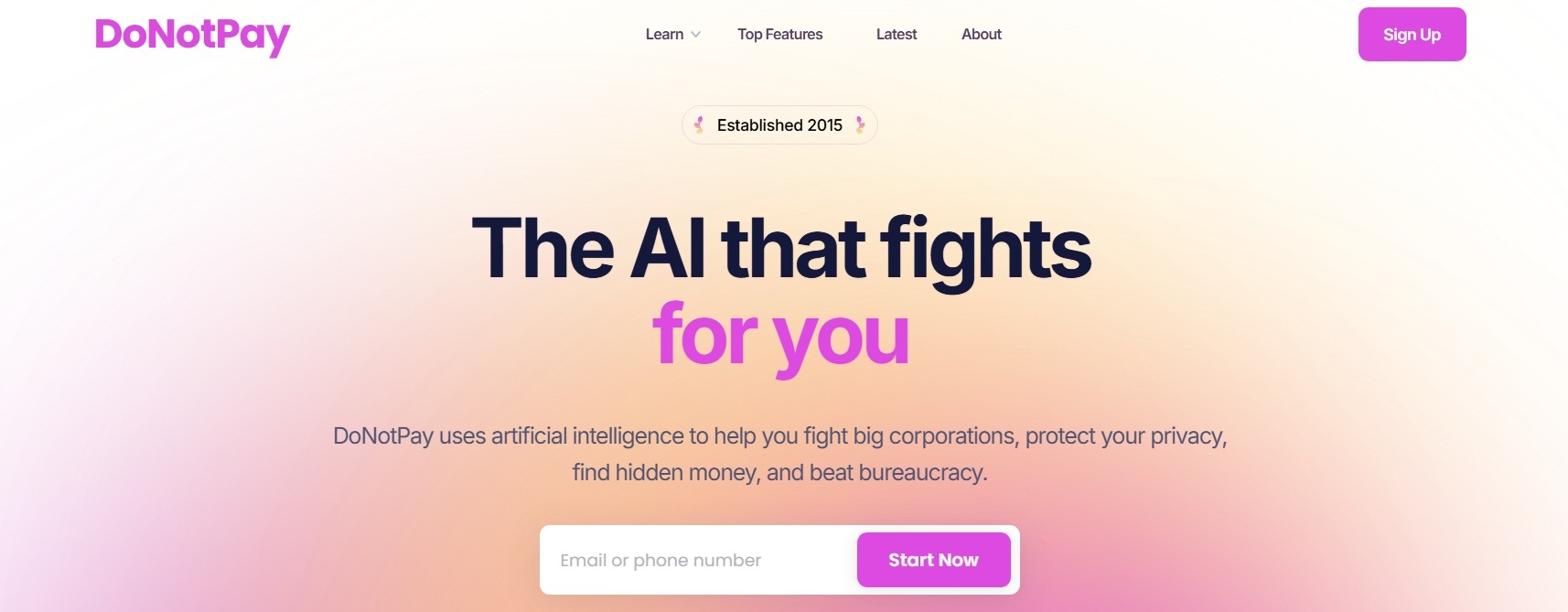
DoNotPay describes itself as the AI Consumer Champion and claims to offer more than 100 tools that can help you save time and money. It was launched in 2015, when founder and CEO Joshua Browder created a tool to help people contest parking tickets.
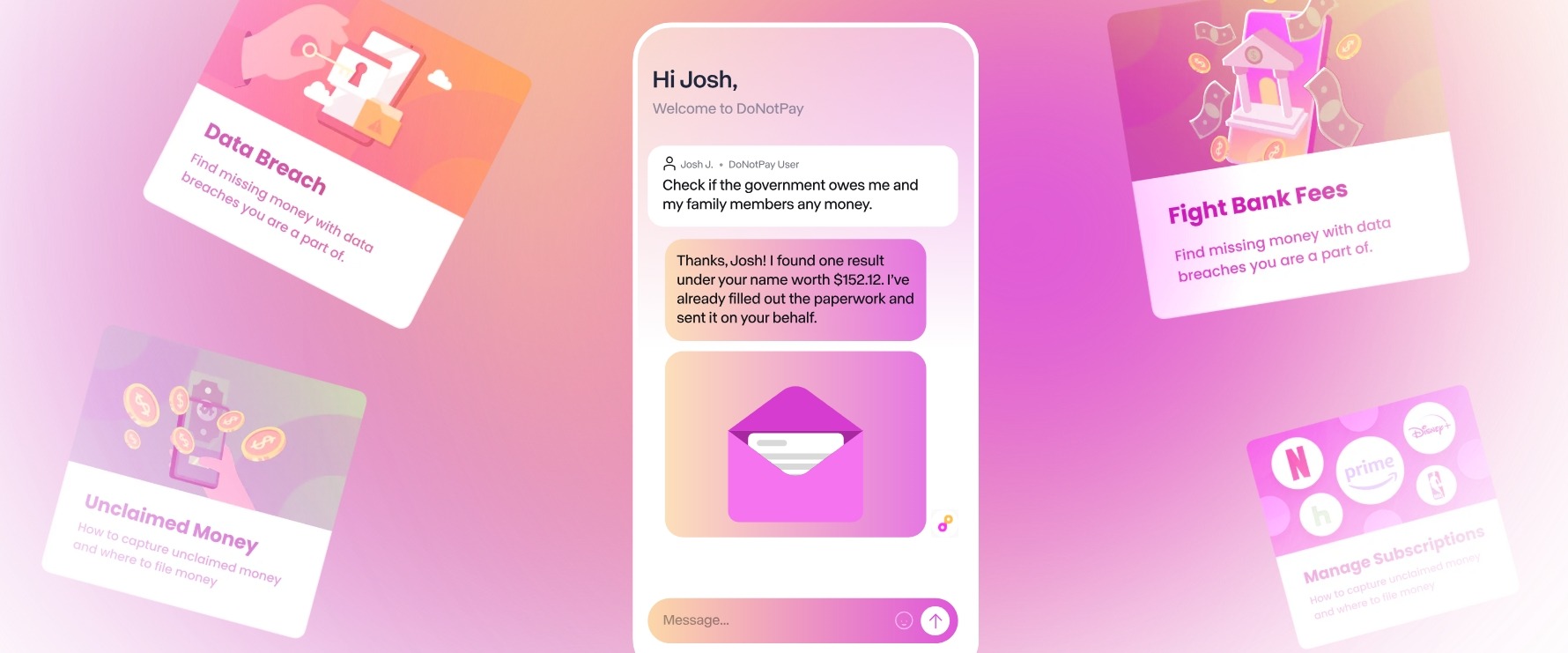
The platform has since expanded into a broader collection of services that cover several areas:
Is DoNotPay legit?
There’s little reason to believe DoNotPay is a fake business or a nonexistent service. Several signals support its legitimacy:
- Registered corporation: Public corporate records show DoNotPay, Inc. as an active California corporation.
- Named leadership: DoNotPay and public business records identify Joshua Browder as the founder and CEO.
- American Bar Association award recipient: In 2020, DoNotPay received the Louis M. Brown Award for making legal services more accessible to people of modest means.
- App store presence: DoNotPay is available on both the App Store and Play Store, with DoNotPay Inc. identified as the developer.
Important note: The apps don’t appear to be actively maintained. The last iOS update was in 2023, while the latest Android update was more recent, in 2024. When we tried to download the app on an Android device, the app wasn’t available because it was built for an older version of Android.
There is a significant red flag, however. In 2024, the Federal Trade Commission (FTC) charged DoNotPay with making deceptive claims about its AI service, including marketing it as the world's first robot lawyer capable of substituting a human lawyer.
The FTC finalized its order in February 2025, and DoNotPay agreed to pay $193,000, notify consumers who subscribed between 2021 and 2023 about the settlement, and stop claiming that its service performs like a real lawyer unless it has sufficient evidence to support those claims.
The FTC action doesn’t mean DoNotPay is a fake company or that its tools are fraudulent. It does, however, provide a concrete reason to be cautious about its capabilities.
DoNotPay review: A look into its bill negotiation tools
DoNotPay offers an impressive range of consumer tools, but the breadth of its features doesn’t necessarily tell you whether the service is worth using and paying for when it comes to bill negotiation.
To assess how well it delivers on its promise, we’ll address a few important questions:
- How does DoNotPay work for bill negotiation?
- How much does DoNotPay cost?
- How safe is DoNotPay to use?
- What do DoNotPay chatbot reviews say?
How does DoNotPay work for bill negotiation?
DoNotPay doesn’t provide much detail about its workflows upfront. To get an idea of how the service works before downloading the app, you have to dig through its resources, many of which haven't been updated in a while.
Here’s what we found during our testing:
- Log in to your account: You can sign up using your email address through the app or web browser.
- Click on the Help With Bills option: Start a chat with the DoNotPay virtual team, present your problem, and specify what you’d like DoNotPay to do (e.g., write an email draft for a waiver, contact the support team, extend the payment due date, etc.). DoNotPay says it will recommend the best course of action.
- Provide details: Enter bill details or upload a photo, provider name, your name, and any information DoNotPay needs to perform the task.
- Provide contact details: DoNotPay can follow up and notify you of the outcome.
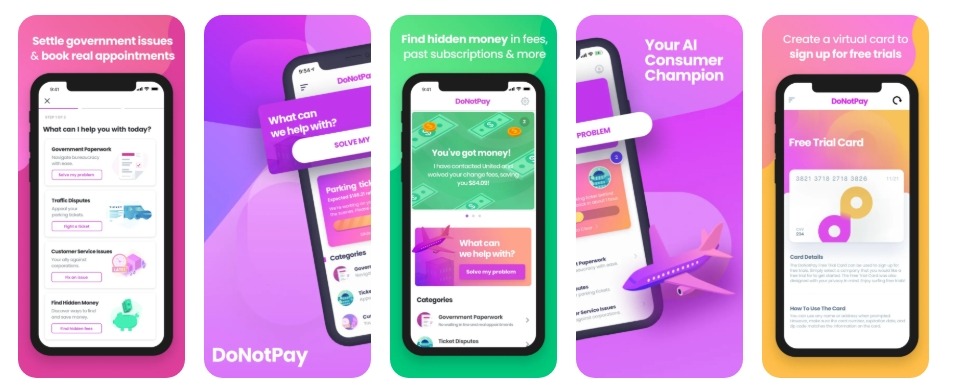
DoNotPay has previously shown a more autonomous approach to bill negotiation. It was in the form of a chatbot that held a live text conversation with a provider’s own support bot, using account history and prior service issues to push for a lower rate before handing off to a human agent.
However, DoNotPay’s current materials don’t explain whether bill negotiation requests still follow this AI-driven process or instead rely on simpler scripts and templates.
The company says its bill negotiation service can be used for a range of bills, including:
- Electricity
- Gas
- Internet
- Cell phone
- Medical bills
How much does DoNotPay cost?
DoNotPay doesn’t publish pricing anywhere on its website. The homepage takes you straight to sign-up, with the actual charge becoming visible only later.
Based on our testing and DoNotPay’s replies to billing complaints, here’s what we found:
From what we found, bill negotiation doesn’t incur an additional success fee on top of the subscription fee.
How safe is DoNotPay to use?
DoNotPay’s Privacy Policy confirms it collects payment card information along with your name, address, and phone number.
On data security, the policy states only that DoNotPay takes reasonable measures to protect user information and can’t guarantee its security once it’s online. There’s no mention of specific safeguards like encryption or independent security audits.
During sign-up, we only found that:
- DoNotPay doesn’t store any passwords or personal transactions
- The company has no access to your account details
- The system uses 256-bit SSL encryption
- Payments are handled securely through Stripe
It’s also worth noting that the Privacy Policy was last updated in August 2023, so some parts may no longer reflect the company’s current practices.
What do DoNotPay chatbot reviews say?
DoNotPay’s ratings vary sharply depending on the review platform:
The gap may partly reflect differences in when and how users leave feedback. App store ratings likely include years of reviews accumulated during DoNotPay’s earlier growth, while its Trustpilot profile provides a smaller pool of feedback, including more recent complaints.
Positive DoNotPay reviews describe specific wins, such as reduced spam or successful refunds, and many praise its customer support team.
Negative DoNotPay reviews tend to focus on a few recurring problems:
- Being charged, sometimes twice, for a subscription the reviewer says they never knowingly signed up for
- Free trials converting into paid subscriptions without a clear heads-up
- Advertised features not working as described, e.g., burner phone numbers and hold-skipping
To its credit, DoNotPay responds to many of its negative Trustpilot reviews, and several reviewers report being refunded after sharing their issues with the service.
Verdict: Is the DoNotPay app legit and worth your time?
DoNotPay is a legitimate company in the sense that it’s an established corporation with a publicly identified founder and CEO, an app store presence, and a long-running consumer service. However, its regulatory history implies that being a legitimate business and being a trustworthy service aren’t necessarily the same thing:
DoNotPay tries to be a one-stop shop for consumer problems. But if you want to find every realistic way to save money or recover money you’re already owed, you don’t necessarily need over 100 tools.
You need a service like Settlemate that identifies the savings and money-recovery opportunities relevant to you.
Settlemate: A smarter way to save
Settlemate is a comprehensive money-recovery platform that automatically looks for potential savings and money-claiming opportunities and helps you act on them.
Its Bill Negotiation feature evaluates each bill and identifies the most effective way to reduce its cost. Depending on the type of expense, this could involve:
- Negotiating a retention offer
- Finding a cheaper plan
- Removing unnecessary fees
- Identifying discounts
- Exploring switching options
- Disputing billing errors
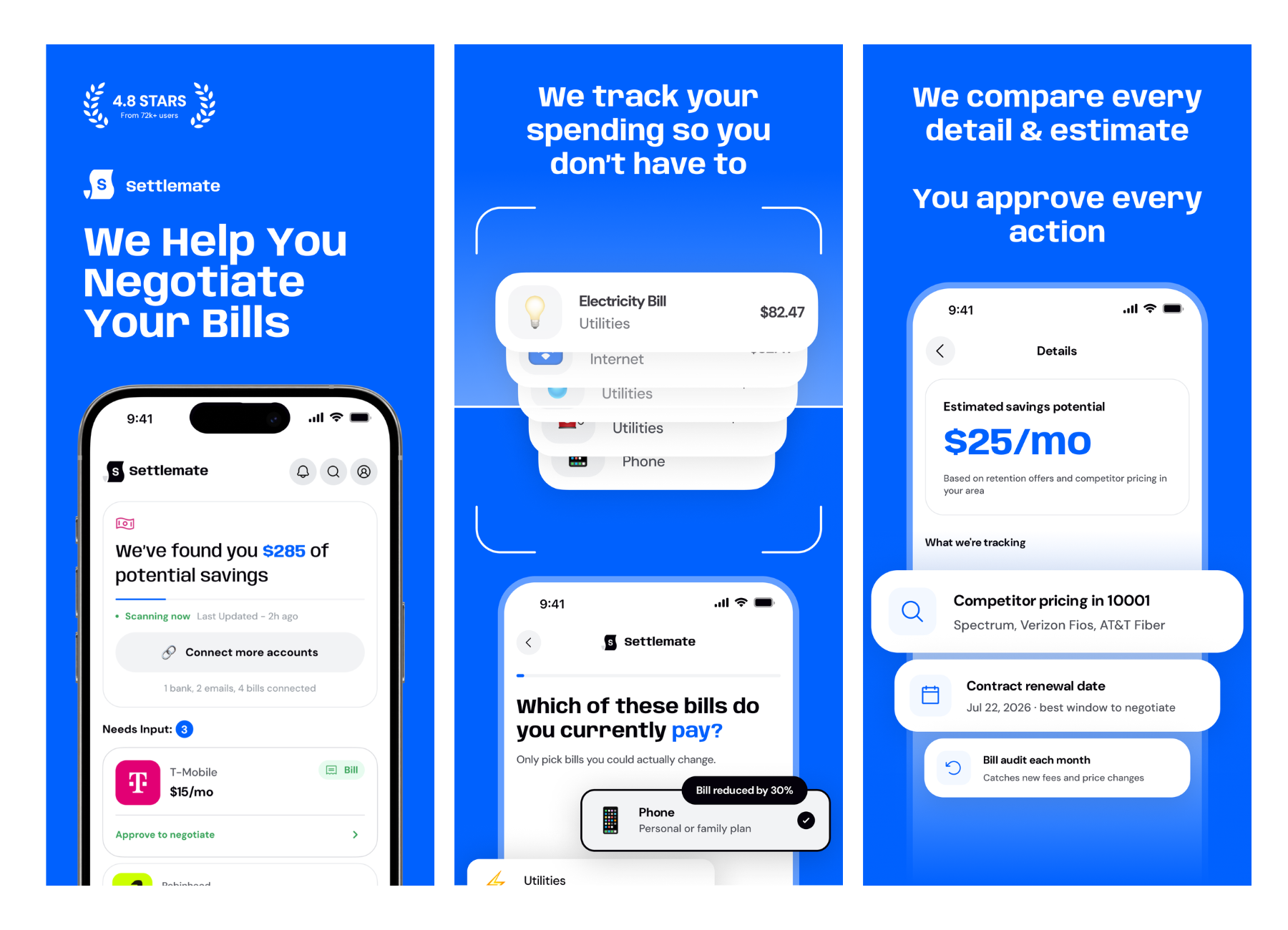
The process adapts to the information you have available. You can enter details manually, upload a bill, or provide account information. Settlemate then uses those details to create a personalized action plan.
From there, you can choose between self-service, assisted, and concierge support, depending on how involved you want to be in the negotiation process.
Settlemate operates on a flat-rate subscription basis, and bill negotiation is only one of its features. The platform also helps you identify and claim other money you may be entitled to, such as:
- Flight disruption compensation: Settlemate can identify eligible delays, cancellations, missed connections, baggage problems, and other disruptions and prepare and submit claims automatically.
- Class action settlements: The app can identify settlements you may qualify for based on your purchase history and file claims on your behalf.
- Late delivery compensation: Settlemate identifies delivery problems, checks retailer policies, and flags when you are eligible for a payout.
- Price adjustment refunds: It identifies purchases where the price dropped right after you bought the item, verifies the retailer's price-drop protection policies, and helps you pursue an eligible refund.
- Subscription management: You can easily see all your subscriptions in one place, select the ones you don’t want, and let Settlemate handle the cancellations.
Sign up for Settlemate and start turning everyday expenses into savings.
At Settlemate, your membership should pay for itself, or we’ll extend it at no cost until it does. Check out our Value Guarantee for terms and eligibility requirements.
You may also like…
Plenty of tools promise to save you time, money, or both. Our reviews explore what they actually offer: