Your bank account keeps track of where your money goes, but that doesn’t mean you always know exactly what you’re spending it on. That’s the problem Hiatus aims to solve.
The app brings spending, budgeting, bills, and other financial information in one place. It also looks for opportunities to help you spend less, including negotiating certain bills on your behalf. It sounds useful, but does it actually deliver?
In this Hiatus app review, we dig into the app’s features, the bill negotiation process, pricing, security, and user feedback to help you decide if the service is worth your while. We’ll also explore how Settlemate can help you find more personalized ways to lower your bills and recover money you didn’t even know you were entitled to.
What is Hiatus?
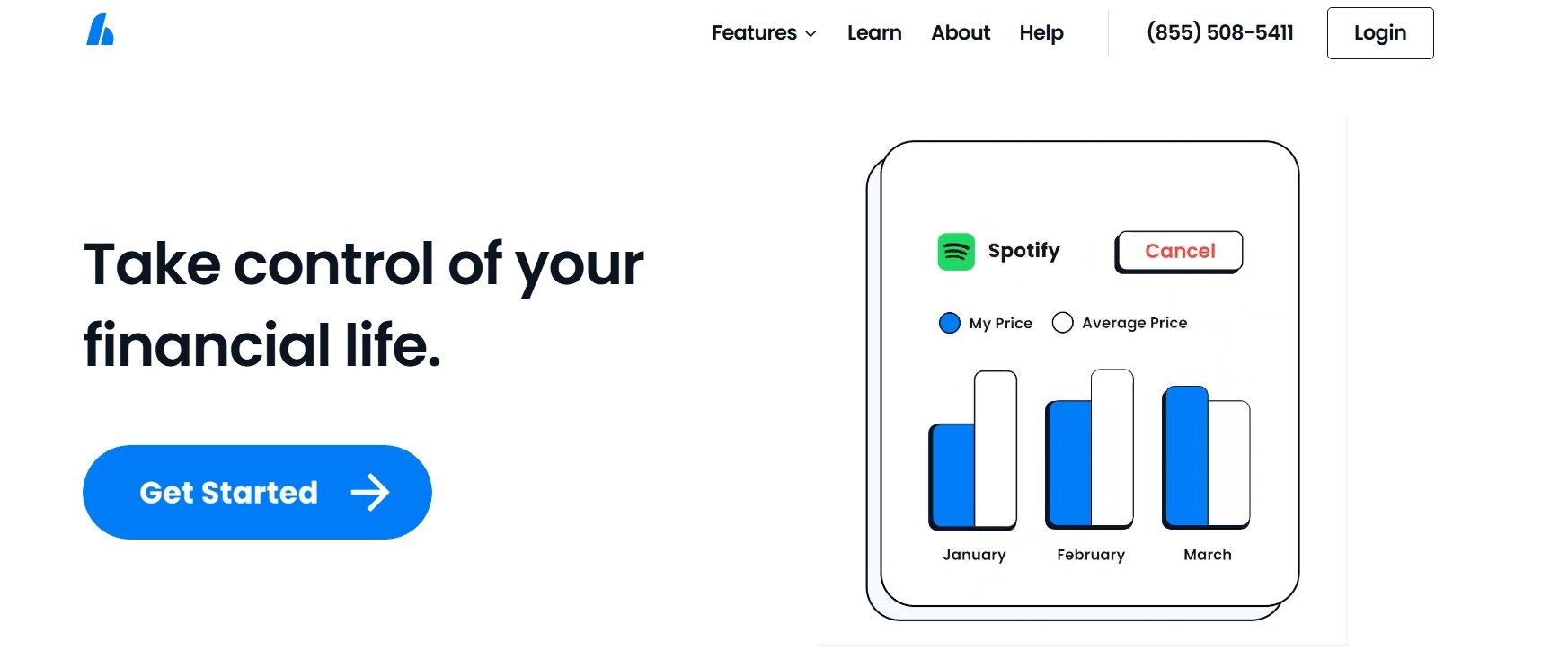
Hiatus is a personal finance app that helps you track spending, manage recurring expenses, and find ways to save money. It brings several money-management tools together in one dashboard:
Hiatus integrates with nearly 10,000 financial institutions and partners with insurers, lenders, banks, and wealth management firms. Through these partnerships, it offers personalized recommendations to help you grow your wealth and increase savings using its partners’ services.
Is the Hiatus app legit?
Hiatus is a real company that offers a genuine personal finance app. There are several strong legitimacy signals:
- Registered company: Hiatus Inc. is an active corporation registered in Delaware in 2016, with offices in New York and Charlotte, NC.
- Real company presence: Hiatus is associated with a New York business address, 20 W 2nd St, which appears in its BBB file.
- App Store presence: The Hiatus iPhone app is available on the App Store under Hiatus Inc. It currently has a 4.2-star rating from nearly 7,000 ratings.
- Google Play Store presence: The Android app is also published under Hiatus Inc. and has over 500,000 downloads.
- Ongoing development: Both app store listings show recent updates, including bug fixes and performance improvements, which indicates that the product is actively maintained. At the time of writing, the iOS version was updated as recently as four days before, and the Android app was updated on August 31, 2026.
However, Hiatus isn’t BBB-accredited and currently has a B rating, with its BBB profile showing 64 complaints. Legitimate doesn’t necessarily mean problem-free, so the app and its bill negotiation feature deserve a deeper look.
Hiatus bill negotiation review: Key aspects to consider
Hiatus offers plenty of financial tools, but our review focuses specifically on its bill negotiation feature. To determine whether it delivers on its promise, we’ll answer the four key questions:
- How does the Hiatus bill negotiation feature work?
- How much does Hiatus charge for bill negotiation?
- How safe is the Hiatus app?
- What do Hiatus app reviews tell us?
How does the Hiatus bill negotiation feature work?
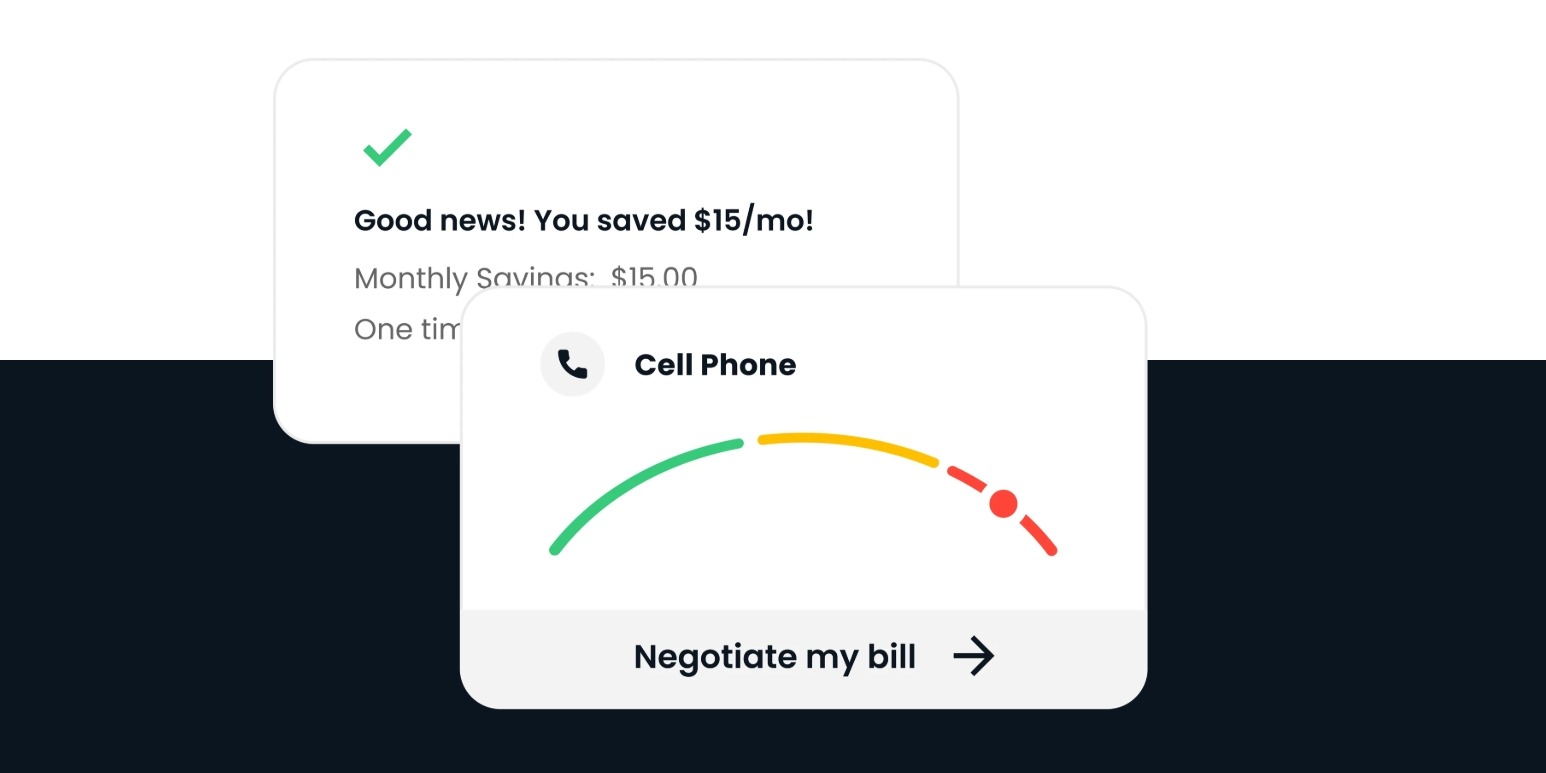
Hiatus makes bill negotiation relatively hands-off. After you create an account and connect your financial information, the app identifies recurring expenses that could be reduced and displays them on your dashboard.
Getting started involves a few basic steps:
- Set up your account: Log in to the Hiatus portal with your email, choose your financial goals (e.g., lowering your bills, growing your savings, etc.), and provide your phone number if you wish. Then select your bank and connect your banking account by logging in.
- Find a negotiable bill: In the Hiatus dashboard, go to Recurring Expenses, where charges are organized into All, Cancellable, and Negotiable tabs. The All tab shows your recurring expenses and subscriptions, with a Potential Savings icon marking transactions that may be eligible for negotiation. The Negotiable tab brings together those potentially reducible charges.
- Choose a bill: Hiatus currently offers bill negotiation for cable, internet, and wireless phone bills. Select the bill you want to lower, and Hiatus will show how confident it is in securing a better rate with that provider.
- Verify your details: If you decide to proceed, review the account information and provide any additional details Hiatus requests.
- Authorize the negotiation: You authorize Hiatus to contact the provider and negotiate a better rate on your behalf.
Once you submit the request, Hiatus confirms that its team has started negotiations and notifies you of the outcome.
There’s very little involvement on your part after submission. However, you still need to review the proposed bill and account details carefully before authorizing the service.
How much does Hiatus charge for bill negotiation?
The Hiatus app is free to download, and its free plan includes subscription tracking and custom budgeting. However, you’ll be prompted to select your bank immediately after signing up, even if you choose to use the free version.
Hiatus includes bill negotiation with a Hiatus Premium monthly or annual subscription, so there is no separate success fee as a percentage of the negotiated savings, and you keep the full amount.
Hiatus’s pricing is somewhat unusual because it doesn’t set one fixed Premium price for all users. The company may let you choose what you’re willing to pay for the subscription. The price remains unchanged for the first 12 months, after which Hiatus may change the subscription fee with advance notice.
There are a few important caveats:
- There’s no guarantee of savings because Hiatus can’t negotiate every bill and clearly states that negotiation won’t always reduce costs.
- The subscription is charged regardless of whether a particular negotiation succeeds because bill negotiation is part of Premium rather than a separate success-based service.
- Terms of Service mention payment plans for invoices of $100 or more, but they don’t clearly explain how this provision applies to the current Premium subscription model.
From a transparency perspective, the picture is mixed. The fact that the app clearly distinguishes its free and premium features is helpful, and you can see that bill negotiation requires a paid membership.
However, the “choose what you pay” approach makes it harder to determine exactly how much the service will cost you over time.
How safe is the Hiatus app?
Hiatus needs access to sensitive financial information to provide its core services, which makes privacy and security particularly important. The app can access your bank account data, while bill negotiation may also involve information necessary to identify and manage your service accounts.
According to Hiatus’s Privacy Policy, information it may collect and the reasons it collects it include:
Hiatus says it uses third-party services to collect financial account data and doesn’t store your bank login information. Its policy specifically mentions using Plaid to access and transmit financial data as reasonably necessary to provide the service.
The company also says it uses bank-level encryption and SSL, has physical, managerial, and technical safeguards that protect personal information, and regularly tests its data safety protocols.
What do Hiatus app reviews tell us?
Hiatus has received a lot of positive feedback, but some recent Hiatus budget app reviews raise concerns about subscription charges, cancellations, and customer support.
Several complaints submitted to the BBB describe users continuing to be charged after they believed their accounts had been canceled. One user said they were charged $10 despite reportedly never signing up for Premium, and one reviewer reports never hearing back from Hiatus customer support after requesting a refund.
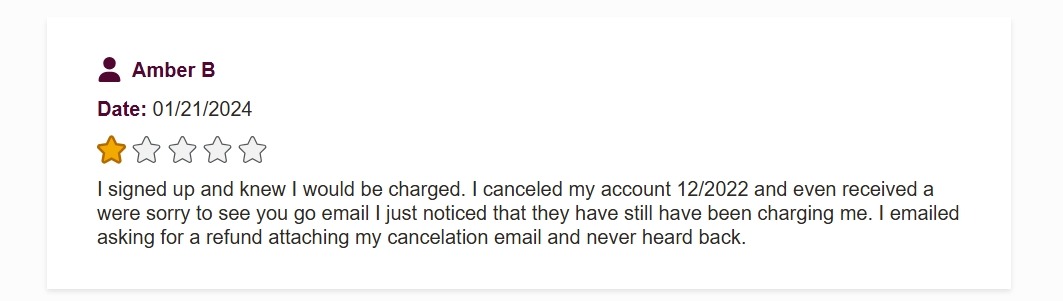
More recent reviews collected by AppsHunter raise similar concerns. One reviewer claims they were charged $10 per month for a year despite repeatedly trying to cancel. Another user says that when they tried to contact support to cancel the subscription, they were told the team was out of office.
This is where our own testing raised questions. When we asked the Hiatus AI assistant about Premium pricing and how the subscription works, the response only indicated the team was out of the office, not providing a direct answer.
Still, plenty of users report getting genuine value from the app. Several Hiatus bill negotiation reviews specifically mention successful bill reductions and savings. One user said Hiatus reduced their Verizon bill within two days after they’d been trying unsuccessfully to lower it for months.
Hiatus app reviews suggest the service can be helpful, but the experience depends on whether you need its paid features and whether you’re comfortable with how its subscription is managed.
The verdict: Is Hiatus legit and does it deliver?
Hiatus appears to be a legitimate financial app with a useful range of money-management features, and its bill negotiation service can deliver genuine savings. However, the experience isn’t without its drawbacks.
Here’s an overview of the app’s main pros and cons:
There’s a certain irony in paying for an app designed to help you save money. With Hiatus, it’s difficult to assess that trade-off because the Premium subscription price may vary, and you continue paying even when a particular negotiation doesn't result in savings.
A flat-rate alternative can make the cost-benefit equation easier to understand, especially when it offers multiple ways to save.
Settlemate takes this broader approach, combining tailored bill negotiation strategies with multiple money-recovery opportunities, such as class action settlements, flight disruption compensation, and price adjustment refunds, all under a single subscription.
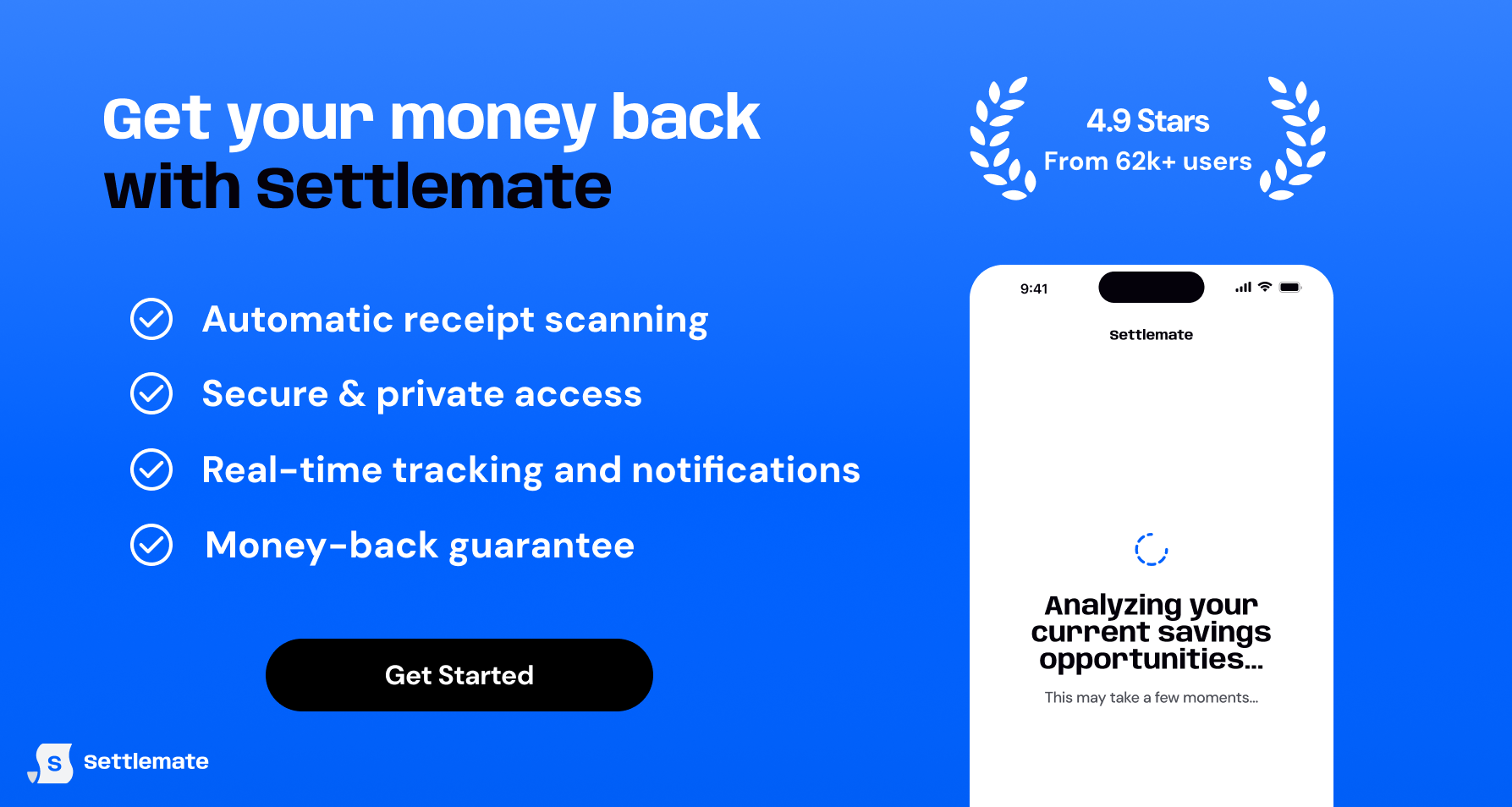
Settlemate: Turn your bills into a savings engine
Bill negotiation isn’t just about asking your provider for a better rate. The best savings strategy depends on the type of bill and the options available. Settlemate reviews your specific expenses and identifies the savings strategies that make the most sense for each.
For example:
- Wireless: Find a cheaper plan, remove unnecessary add-ons, identify discounts, or explore switching to a different provider.
- Internet: Look for retention offers, remove unnecessary fees, right-size the plan, or compare competitor offers.
- Utilities: Optimize the rate plan, check assistance programs, arrange a payment plan, or dispute billing errors.
- Car insurance: Check available discounts, review deductibles and coverage, and compare quotes from competing insurers.
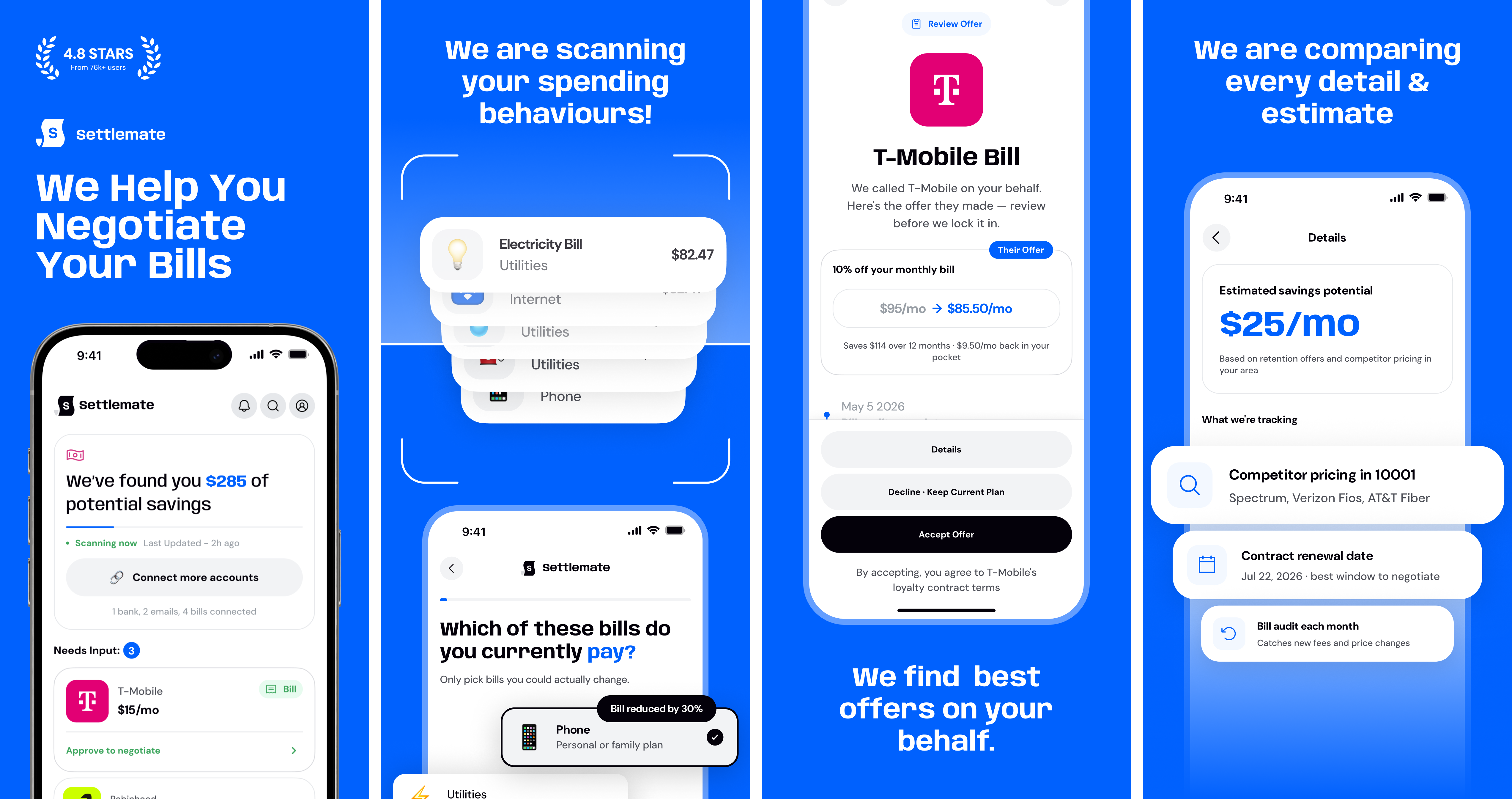
Settlemate also lets you decide how involved you want to be:
- Self-service: Follow a personalized action plan and handle the saving steps yourself.
- Assisted: Get guidance and support as you work through the recommended steps.
- Concierge: Get more hands-on help with the process.
At Settlemate, your membership should pay for itself, or we’ll extend it at no cost until it does. Check out our Value Guarantee for terms and eligibility requirements.
Try Settlemate today and turn your recurring expenses and everyday purchases into genuine savings.
You may also like…
There’s no one-size-fits-all approach to managing your money. Our reviews explore more apps and services that take different approaches to bill negotiation, budgeting, and everyday expenses: