

Class action lawsuit apps like Claimly help you discover eligible settlements and simplify the claims process. But does the app deliver on its promises, and what do users think about it?
This guide takes a closer look at how the service works, what it costs, which features stand out, and what Claimly reviews reveal, so you can decide whether it’s worth adding to your money-saving toolkit. We also show you how you can use Settlemate to recover your money from a broader range of sources.
What is Claimly?
Claimly is a class action settlement finder and claim tracker. According to its Google Play Store listing, the app aggregates 1,000+ publicly available settlements and explains them in plain English.
It’s not a law firm and doesn’t offer legal advice; it just helps users find settlement money they may be entitled to and submit recovery claims. This is exactly what we discovered when we downloaded the app and filed claims.
However, Claimly’s website and terms of service describe the product differently. Instead of a class action settlement app, these resources present Claimly as an AI-powered tool for scanning, tracking, and managing receipts and claims.
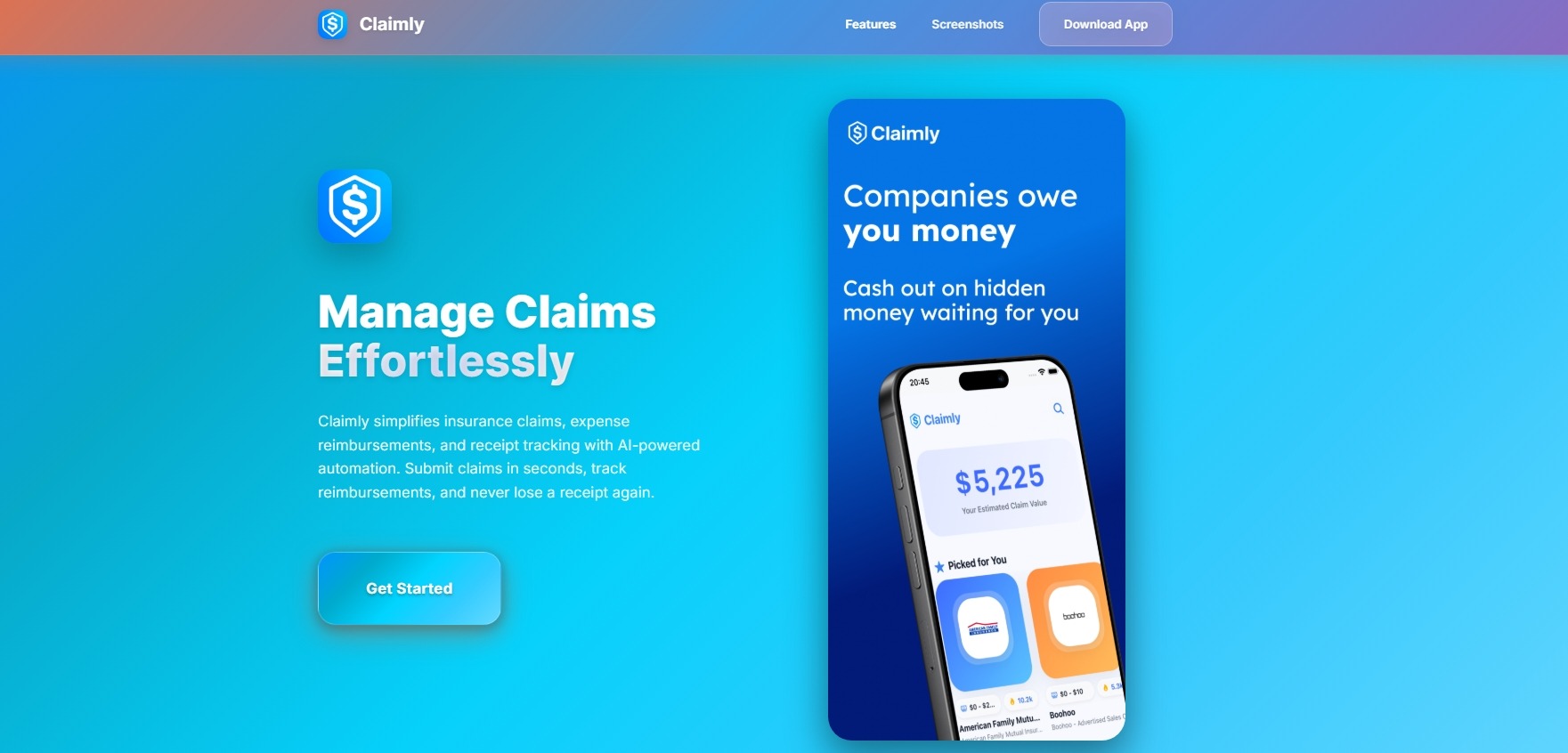
According to Claimly’s website, the product can:
- Scan receipts and extract details such as the date, amount, merchant, and category
- Submit insurance claims and expense reports
- Track reimbursements and claim statuses
- Analyze spending and generate expense reports
- Store receipts and documents securely
- Integrate with insurance providers and HR systems
There’s a noticeable disconnect between what the settlement-focused app described in its store listings and the broader receipt, expense, and insurance claims product that the company presents on its website.
Is Claimly legit?
The available evidence doesn’t give us reason to call Claimly a scam, but several inconsistencies make it difficult to assess the service with complete confidence.
A reassuring signal is that Claimly is available on two major app stores. However, the first issue is the mismatch between the app listings and the company’s website and terms of service. While it could indicate outdated copy, a reused product framework, or a change in direction, the company doesn’t clearly explain the discrepancy.
The terms also include a link to claimly.app, which doesn’t currently lead to a functioning website. The App Store and Play Store download links displayed on the company’s website didn’t work during our research.
The broken links are a concern, but Claimly has live App Store listings, and the app itself appears to be working.
Who is behind the Claimly app?
Google Play lists PikFrame as the developer of Claimly, while the App Store identifies Arkadiusz Pichurski as the developer and seller. Apple also notes that this person hasn’t identified themselves as a trader for the app.
The connection isn’t necessarily suspicious. Both stores list several other apps associated with these developer identities, including:
- Trading cards scanners
- Vinyl and CD scanners
- Teeth analysis app
- Dating assistant
This makes Claimly look less like an app developed by a dedicated class action or legal-tech company and more like a single product in a large portfolio of apps spanning many unrelated categories. That doesn’t make Claimly less legitimate, as independent developers and app studios often publish products across multiple categories. However, the developer background is relevant when assessing the app’s branding, transparency, and claims.
Claimly review: 5 key aspects to consider
To work out whether Claimly is worth using for class action settlement claims, we reviewed five key areas:
- Features
- Pricing
- Claim process
- Privacy and data safety
- Claimly reviews
Note: Our Claimly review focuses on the class action settlement app we downloaded and tested. It doesn’t reflect the features or functionalities described on Claimly’s website, which presents a different version of the service.
1. Claimly features
Claimly’s key features are:
- Deadline reminders: During onboarding, the app prompts you to enable notifications so you know when a settlement is about to expire.
- Claim tracking: You can always see the status of your claim and how many people have filed.
- Settlement calculator: The calculator estimates your potential payout for the claims you filed based on location-based tax, typical settlement distribution patterns, proof availability, and processing speed.
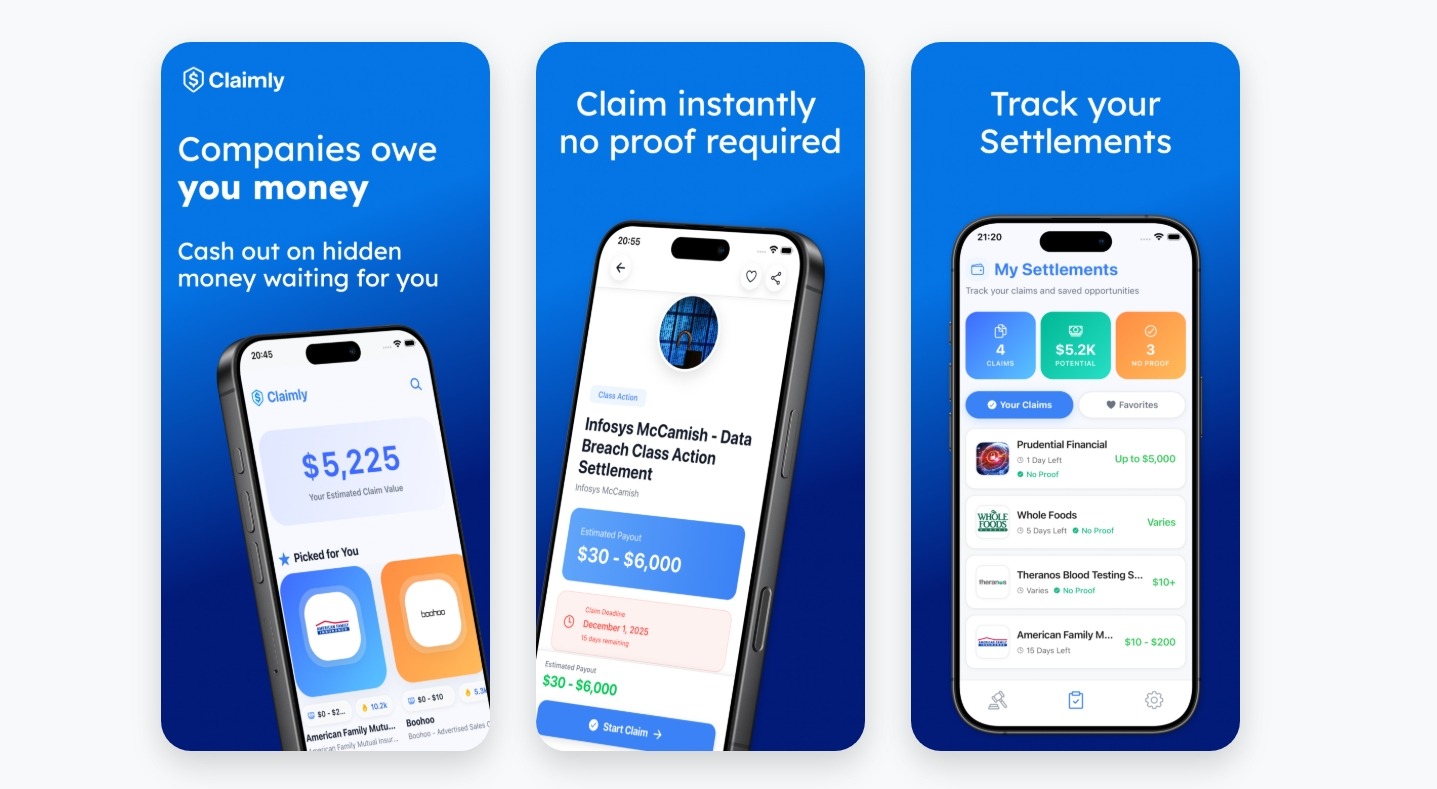
The settlement feed is arguably the app’s biggest advantage, as you can browse numerous opportunities in one place instead of searching for individual settlements.
2. Pricing
Claimly lets you browse settlements and submit claims for free, but upgrading to Claimly Premium unlocks a full stack of features, including:
- Unlimited access to all claims and settlements
- Priority notifications when new settlements go live
- Advanced claim tracking with calendar sync
- Early access to newly certified class actions
- Automatic case matching
- Ad-free experience
Whether you use Claimly for free or pay for the Premium plan, you receive 100% of your settlement payouts.
Technically, there is only one premium plan, but there are two ways to subscribe to it:
Your subscription automatically renews unless you cancel at least one day before the end of the trial period or your current subscription plan.
When we installed the app and opted for the premium plan, we found the pricing structure described above. However, the App Store listing and Claimly’s website cite three plans and completely different pricing:
- Monthly plan: $4.99 per month
- Annual plan: $39.99 per year, advertised as a 33% saving
- Lifetime plan: $99.99 one-time payment
This may mean that Claimly has changed its subscription options but hasn’t updated its listings. It’s best to check the price displayed in the app before confirming the purchase.
3. Claim process
When you install Claimly, you go through a quick rundown of how it works:
- Browse settlements
- Check eligibility
- Submit the claim
Once you get to the main screen, you can browse a long list of active settlements. The most popular ones are featured at the top, and you can choose to view only the active ones and those that require no proof. You can save class action settlements relevant to you in the Favourites tab for easier access.
When you click on a settlement you’re interested in, you’ll find information such as:
- The highest possible settlement payout
- Deadline
- Whether proof is required
- Description of the case and who it applies to
- Eligibility criteria
Note: The app doesn’t list the necessary documentation or eligibility criteria in full, nor does it describe the case in detail. You need to confirm eligibility yourself and find out what proof is required on the official class action settlement website.
When you click on the Submit My Claim button, the app takes you directly to the settlement administrator’s website, where you can find more detailed information, check eligibility, and submit a claim yourself.
After returning to Claimly, the app asks whether you submitted a claim. If you select Yes, the app starts tracking it. You can find all the claims you filed in the My Settlements tab.
This means Claimly is a settlement discovery and tracking tool, not a service that files claims on your behalf. It helps you find opportunities and organize your claims, but you’re responsible for completing the actual filing process.
4. Privacy and data safety
Claimly’s App Store listing links to a privacy policy published on the company’s website, and it’s closely related to the product described on that website.
The policy states that the app processes information locally on your device without uploading it to Claimly’s servers. It also says Claimly doesn’t collect personally identifiable information, such as your name, email address, or phone number. It also doesn’t use:
- Third-party analytics
- Crash-reporting services
- Cloud storage
The company says it doesn’t sell, trade, or otherwise transfer users’ information to third parties. The Play Store listing similarly states that the app uses the information you provide only to verify your eligibility and submit your claims.
There is, however, another inconsistency. The privacy policy lists privacy@claimly.app and claimly.app as its contact details, but that website doesn’t function. Google Play, on the other hand, lists claimly.happread.com as the support website, which is live and hosts the privacy policy.
While the local-only approach is a positive sign, the inconsistencies across the App Store, Play Store, and website make it difficult to get a clear picture of Claimly’s privacy and data practices.
5. Claimly reviews by actual users
There aren’t enough Claimly reviews on app stores to draw strong conclusions about the app.
The app has a 4-out-of-5 rating on the App Store, based on under 10 ratings. Google Play shows a slightly lower rating of 3.7/5, based on a larger sample of 29 ratings.
There’s a single Claimly review that AppsHunter sourced from the App Store, and it’s notably critical. The user says the app is buggy and argues that it essentially provides the same information you can get directly from settlement websites, yet still charges for access.
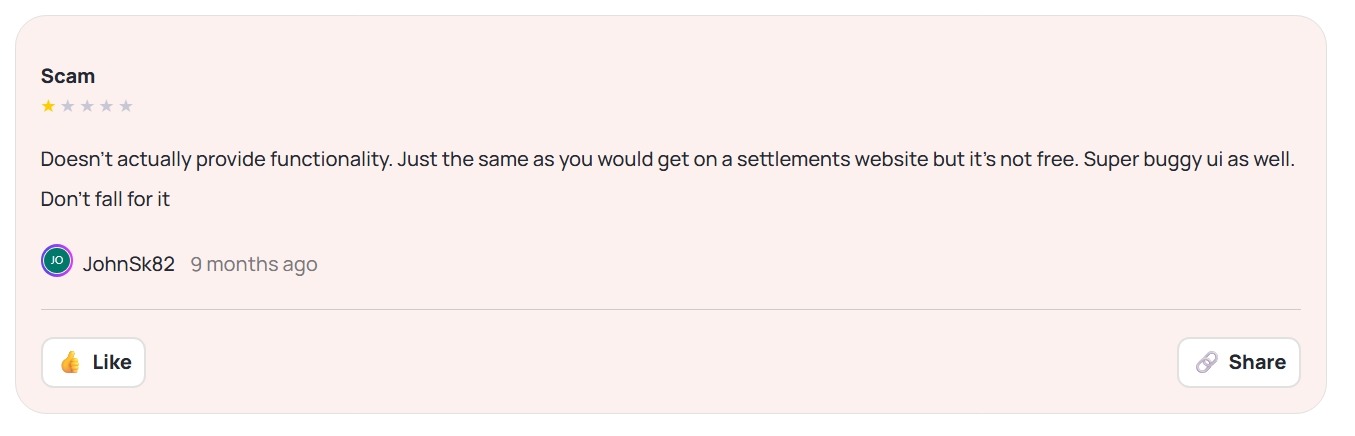
With such a small number of ratings and so little written feedback, it’s difficult to tell whether this reflects a broader pattern or one user’s experience. Based on our own testing, the app does provide several useful functions:
- It aggregates active and verifiable settlements
- It links to official settlement websites
- It helps users track the claims they submitted
Overall, Claimly does offer a useful service, even if its features may not justify paying for Premium for every user.
The review also touches on an important question for any settlement-finding app: Does it provide enough convenience to justify using it instead of going directly to settlement websites? That depends entirely on how much you value convenience. Plus, an app like Claimly addresses a problem that’s easy to underestimate: knowing where to look for settlements in the first place.
Unless you already know which settlements exist, you’d have to search for them yourself across individual settlement websites, legal notices, and other sources, then work out whether you qualify and file before the deadline. Most people don't have the time or inclination to do that regularly.
The verdict: Is Claimly worth trying?
Claimly brings a large number of active class action settlements into one place, makes them easier to browse, and helps you keep track of the ones you filed claims for. Still, there are several reasons to approach the app with caution.
Claimly can be a convenient way to keep an eye on class action settlements, but that also highlights its biggest limitation: its focus is quite narrow.
If you’re interested in finding all the ways you could save or recover money, as well as class action payouts, a more comprehensive platform like Settlemate may offer greater value.
Find more money-recovery options with Settlemate
Settlemate is an all-in-one money-recovery platform that helps you find more opportunities to claim money, while taking more of the legwork out of the process.
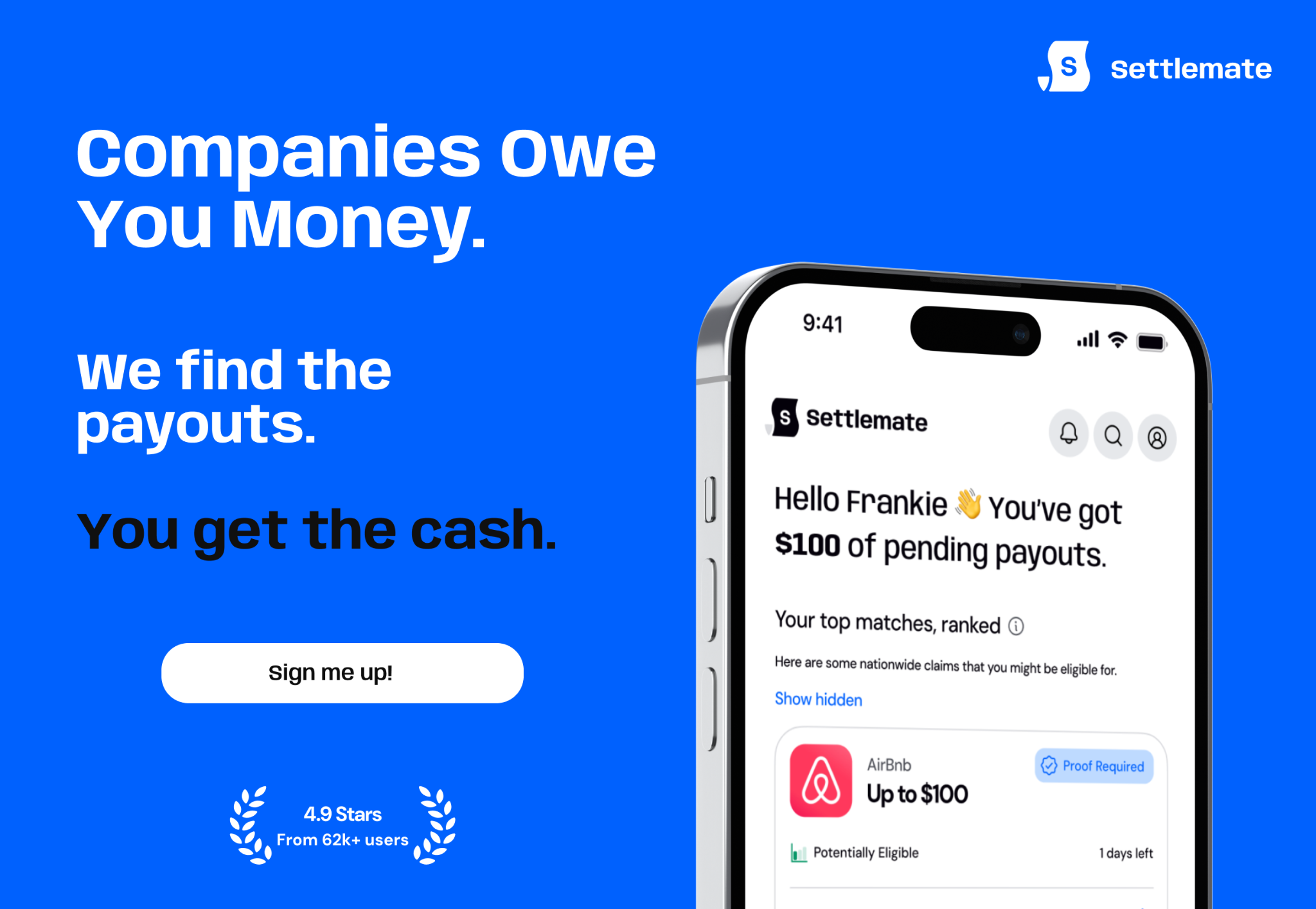
In addition to class action settlements, Settlemate helps you claim:
- Flight disruption compensation
- Travel reimbursements
- Late delivery compensation
- Price adjustment refunds
How does Settlemate work?
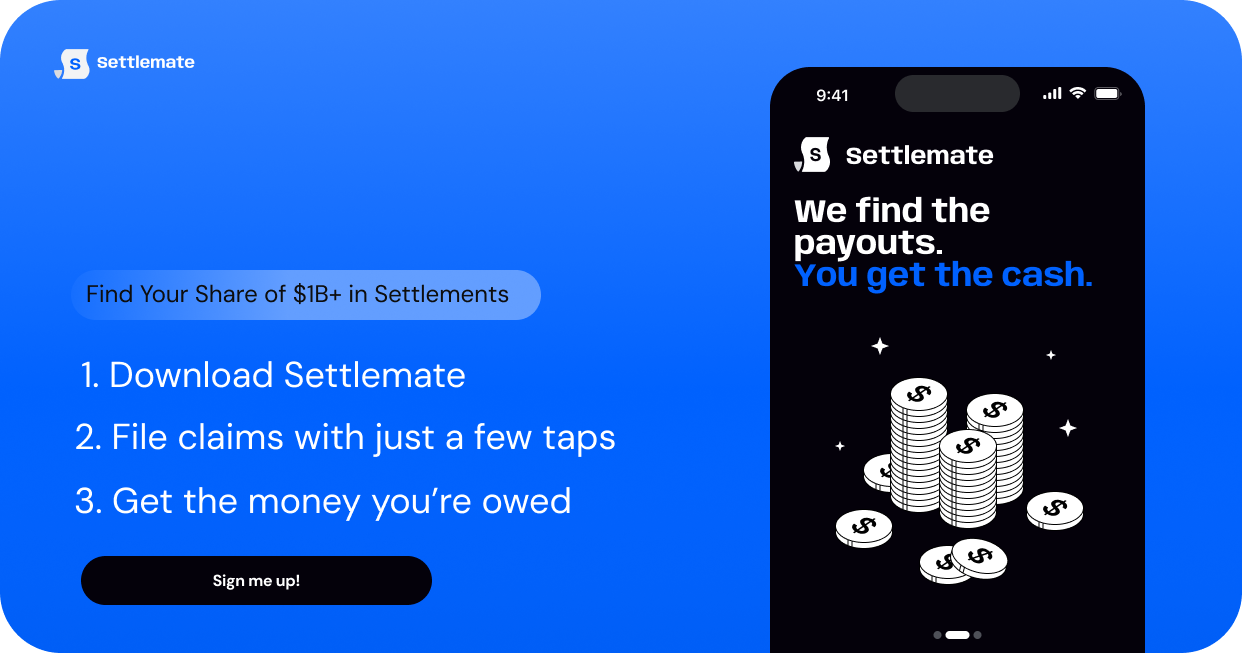
Settlemate brings potential money-recovery opportunities to you. Once you download the app, here’s how the process works:
- Connect your inbox: With your permission, the app looks for receipts, order confirmations, delivery notifications, booking confirmations, airline updates, and other relevant emails.
- Let Settlemate find eligible opportunities for you: The app runs potential money-recovery opportunities against relevant settlement eligibility rules and requirements, retailer policies, and passenger rights frameworks to confirm whether you qualify.
- File your claims with a few taps: Settlemate prepares the claim and reuses information so you don’t have to start from scratch every time. Most of the time, you only have to review the form and submit it.
- Keep track of everything in one place: Settlemate provides claim status updates, payout estimates, and deadline notifications. You can see what’s been submitted and what still needs your attention without maintaining your own spreadsheet or calendar.
If there’s any need for follow-up, Settlemate does it on your behalf. For example, if an airline drags its feet or declines a valid flight delay compensation claim, the app will automatically follow up or escalate the case.
And if any claim requires additional documentation, the app will clarify exactly what you need to provide and securely store your documents for future use.
All of this is available under one flat subscription. Settlemate stands behind the value of your membership with a simple promise: if the verified value you receive in your first year doesn’t cover your subscription costs, we’ll extend your membership so you have more time to recover that value. Learn more about our Value Guarantee.
Download Settlemate today and put money recovery on autopilot.
You may also like…
There are plenty of apps competing for a place on your phone. See how other apps to claim money compare in our reviews: